FPV has always had a recruitment problem. The appeal is obvious — flying from the pilot’s seat instead of watching a tiny rectangle on a controller — but the path there is not. You need a compatible aircraft, a compatible controller, a headset that fits your face, and enough patience to tolerate latency you can feel. DJI Goggles 3 is the first headset from the company that treats all four as design problems rather than user problems.
It is not a universal FPV headset, and it will not convert anyone who is happy flying line-of-sight. What it does is make DJI’s own immersive flying system comfortable enough to use for a full battery, which is a more meaningful achievement than it sounds.

The verdict at a glance
| Rating | 4 / 5 |
| Best for | DJI drone owners who want immersive flying without building a custom FPV rig |
| Works with | DJI’s O4-era aircraft, including Avata 2, Air 3 and Mini 4 Pro |
| Buy it if | You already own a compatible drone and a compatible controller |
| Skip it if | You fly analog FPV, need HDMI input, or wear strong astigmatism-correcting lenses |
| The one-line summary | The most comfortable DJI headset yet, attached to the most expensive way to start FPV |
What changed from Goggles 2
The previous generation proved the concept and punished the wearer: front-heavy, awkward with glasses, short on battery. Goggles 3 addresses each of those in ways that matter more in hour three than in minute three.
The biggest change is the pair of outward-facing cameras that feed a picture-in-picture view into the display. DJI calls this Real View. In practice it means you can glance down at your controller, check where your spotter is standing, or confirm your position relative to people without lifting the goggles. That sounds like a small convenience. It is actually the feature that makes the headset usable in the real world, where you are legally and practically responsible for seeing the airspace around your aircraft.
The second change is weight distribution. The battery now sits at the back of the head strap rather than dangling on a cable, which balances the optics and removes the slow forward slide that made Goggles 2 require constant adjustment. Total weight is around 470 g, which is still substantial, but it sits closer to the centre of your head.
Third, the diopter range is wider and adjustable per eye, from roughly -6.0 to +2.0. That covers most short-sighted and long-sighted pilots without inserts. It does not correct astigmatism, and anyone with significant cylinder in their prescription will still need custom lenses from a third party. That is the single most common reason people return this headset, and DJI has not solved it.
The screen, the latency and what 100 Hz buys you
Each eye gets a 1080p micro-OLED panel running at up to 100 Hz, with a field of view around 44 degrees. That FOV is narrower than the 50-degree class favoured by dedicated FPV headsets, and it is a deliberate trade: a smaller field of view means higher pixel density in the centre, which makes the image look sharper and reduces the motion sickness some pilots feel with wide optics.
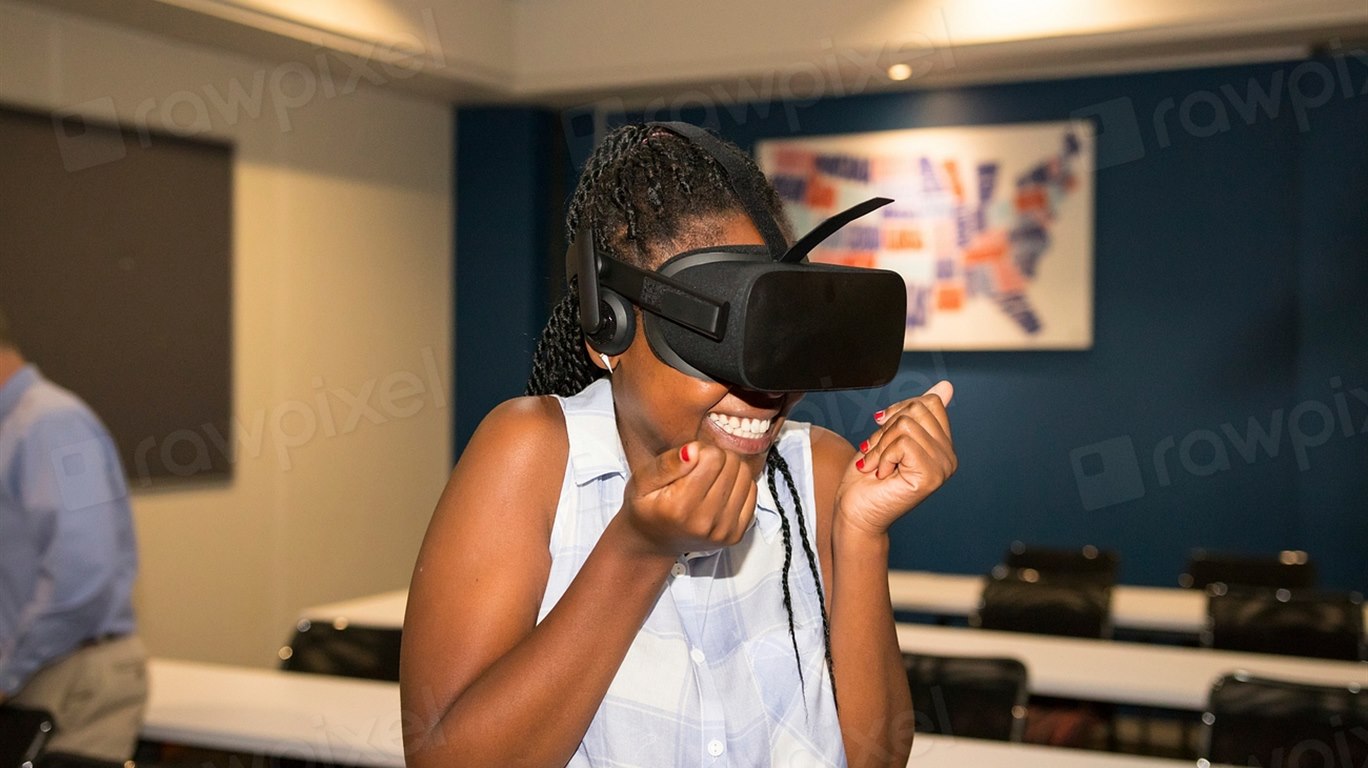
The refresh rate matters because FPV is a latency sport. At 100 Hz the display updates every 10 ms, and DJI’s O4 transmission adds its own delay on top. For cinematic flying around a subject, the total is comfortably good enough. For racing or freestyle through gaps, it is not competitive with a dedicated analog or low-latency digital system — and DJI does not pretend otherwise. The Avata 2 is a cinematic FPV drone, not a race quad.
Colour and contrast are excellent for an OLED panel, and the image holds up in bright sun because the foam blocks stray light. The weak point is the fit: if the foam does not seal against your cheekbones, the illusion collapses. DJI ships one foam shape, and third-party alternatives are worth the money for narrow or wide faces.
Head tracking is the underrated feature
Most reviews focus on the Avata 2, because that is the obvious pairing. The more interesting use case is flying a camera drone — a DJI Air 3S or a Mini 4 Pro — with the headset and a standard controller. Head tracking then lets you look around while the aircraft holds a heading, which produces smooth, deliberate camera moves that are difficult to achieve manually.
This is where Goggles 3 quietly earns its price for landscape and travel shooters. You can frame a subject with your eyes while your hands manage altitude and distance. The caveat is that head tracking is not available in every flight mode, and the gimbal’s yaw range limits how far you can look before the aircraft has to rotate. It is a creative tool with rules, not a magic camera.
Comfort over a full battery
Battery life is around three hours, which is longer than the aircraft’s own endurance and long enough that you will land from fatigue rather than power loss. Charging is over USB-C, and the battery doubles as the head strap counterweight, which is the correct design decision.
Long sessions reveal the remaining compromises. The headset gets warm around the nose bridge, and the top strap needs careful tensioning or pressure builds on the forehead. The interpupillary distance adjustment is manual and easy to knock. None of these are deal-breakers, but they explain why dedicated FPV pilots still spend more on headsets that weigh less.
The ecosystem tax
This is the part that decides whether Goggles 3 makes sense for you. The headset is not a standalone product. To fly an Avata 2 you need the drone, the motion controller, batteries and a charger. To fly a camera drone you need the drone, a compatible controller and, in most countries, a spotter who maintains visual line of sight while you wear the goggles.
That last point is not a footnote. Real View gives you a window to the outside world, but it does not satisfy legal visual-line-of-sight requirements in most jurisdictions, and it does not replace a second pair of eyes for traffic. Our drone rules explainer sets out how the requirements differ between the US, the UK and the EU.
If you are starting from nothing, the honest comparison is not “Goggles 3 versus another headset” but “Goggles 3 plus everything else versus a used analog kit”. A basic analog setup costs less and crashes more cheaply, but it demands soldering, tuning and radio knowledge. Our round-up of the best FPV drone bundles shows what a complete kit actually costs.
Where the Goggles 3 falls short
- No HDMI input. You cannot use it as a private cinema display for a laptop or camera, which limits its life beyond drone flying.
- No analog support. It will not work with older FPV quads, and there is no module bay.
- Astigmatism is not corrected. The diopter range is generous but one-dimensional.
- Narrow field of view. 44 degrees is sharp but restrictive for freestyle.
- Ecosystem lock-in. Compatibility is limited to DJI’s O4-era aircraft and controllers.
Goggles 3 vs the alternatives
| Option | Display | Weight | Best for |
|---|---|---|---|
| DJI Goggles 3 | Dual 1080p micro-OLED, 100 Hz | ~470 g | DJI owners who want comfort and passthrough |
| DJI Goggles N3 | LCD, lower resolution | ~540 g | Budget entry into the same ecosystem |
| DJI Integra | Micro-OLED, no diopter adjustment | ~410 g | Pilots who want lighter and cheaper, with fixed focus |
| Dedicated FPV goggles | Varies, often 50° FOV | 300–400 g | Racing, freestyle and analog builds |
Within DJI’s lineup, Goggles 3 is the comfort pick. Goggles N3 is the value pick, and it is the better first headset for anyone unsure whether they will stick with FPV. Integra is lighter but assumes your eyesight is average.
Who should buy DJI Goggles 3
Buy it if you already own an Avata 2, Air 3S or Mini 4 Pro and fly regularly. The passthrough view and balanced strap make it the first DJI headset that does not feel like a prototype.
Skip it if you are new to FPV and unsure about the commitment — buy the drone first and borrow a headset. Skip it too if you need HDMI input, analog compatibility or astigmatism correction.
FAQ
Is DJI Goggles 3 worth it without an Avata 2?
Yes, if you own a compatible camera drone. Head tracking with an Air 3S or Mini 4 Pro is a genuinely different way to shoot, and the passthrough view makes it practical.
Can you wear glasses with DJI Goggles 3?
Small frames may fit, but the eye relief is tight. The adjustable diopters cover most prescriptions except astigmatism, so many wearers can fly without glasses.
Does DJI Goggles 3 work with older DJI drones?
Compatibility is limited to O4-era aircraft. Older models that use earlier transmission systems will not connect.
Is FPV flying with goggles legal?
In most countries you need a visual observer who can see the aircraft while you fly. Check local rules before your first flight; the headset’s cameras do not replace that requirement.
How long does the battery last?
Around three hours, which is longer than the aircraft’s flight time. It charges over USB-C and acts as the rear counterweight.
Verdict
DJI Goggles 3 is the headset the company should have shipped two generations ago. It is comfortable for a full session, the passthrough cameras make it usable in the real world, and head tracking turns compatible camera drones into something closer to a two-operator setup. The display is sharp rather than expansive, and the ecosystem requirements are steep.
That makes it an easy recommendation for existing DJI owners and a difficult one for newcomers. If you are already in the system, buy it. If you are not, buy the drone first — the goggles will still be here.
Evidence note: specifications are DJI’s published figures. Comfort and workflow observations reflect the design of the hardware and are presented as assessment rather than measured test data.